
Browser add-on
RecommendedCensors pictures and videos on web pages as they load, frame by frame. For Chrome.
FigLeaf hides nudity on your Windows PC by tracing the body's outline, so you see the rest of the picture, not a blurry rectangle. It works in your browser, across your whole screen, and on your own files. Everything stays on your PC.
Windows 10/11 · NVIDIA RTX 20 / GTX 16 or newer
Most filters find a body part and cover a rectangle around it. The box hides too much of the picture, and the skin just outside it stays visible.
Silhouette follows the skin itself, so the cover fits the person, however they move.
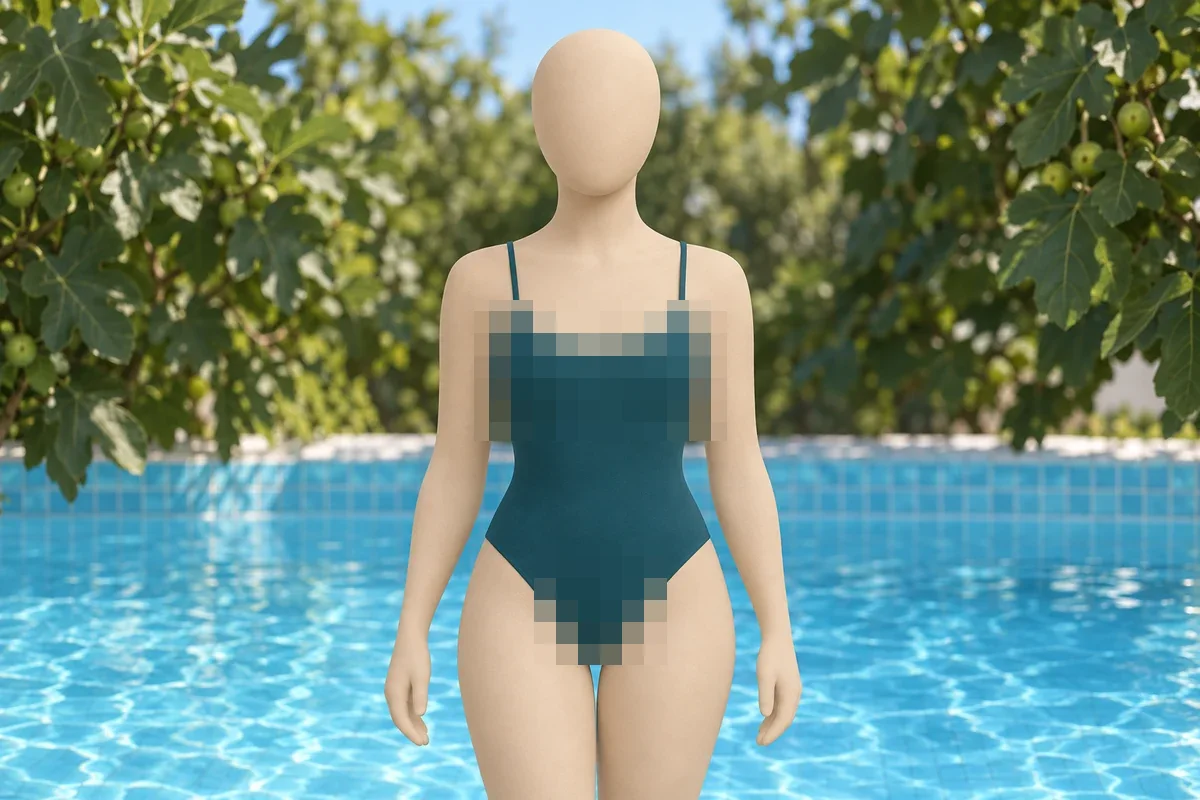
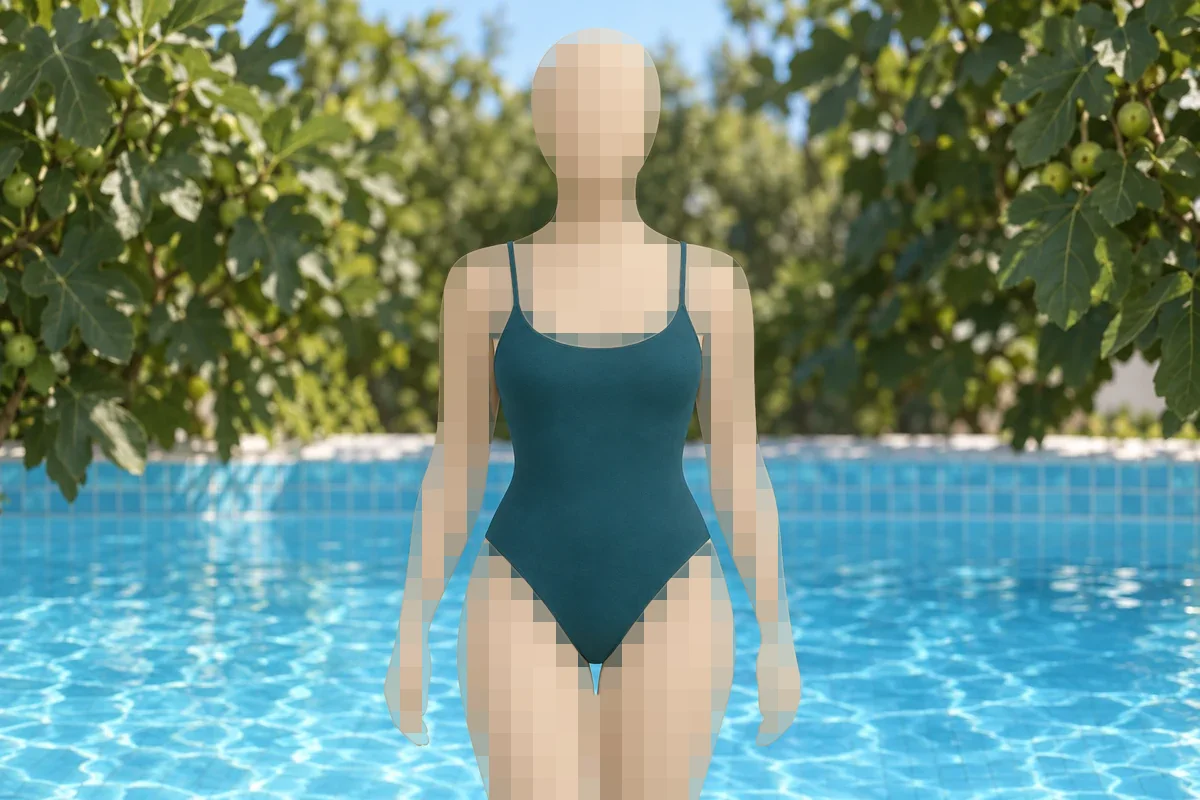
What to hide and how it looks lives in one settings window. All three places use it.
Censors pictures and videos on web pages as they load, frame by frame. For Chrome.
Covers your whole screen, for apps and video players outside the browser.
Censors a video or picture from your PC and saves it as a new MP4, JPEG or PNG.
FigLeaf's models run on your own NVIDIA graphics card. No picture, video or page you visit is sent anywhere, and there's no account to make.
Read the privacy statementStart free. Upgrade when you need video or your whole screen covered.
$0
$5 / month
$10 / month
Paid plans go on sale soon. Until then, everything in Free works without a key.
The installer checks your graphics card first and downloads only the parts it needs.
Windows may warn that the installer comes from an unknown publisher.
Most filters find a body part and cover a rectangle around it. Silhouette follows the outline of the skin itself, so the cover fits the person and the rest of the picture stays visible.
Only to install and to check for updates. Everything it censors is analyzed on your PC.
Not yet. FigLeaf needs an NVIDIA graphics card today.
Chrome. A Firefox add-on is planned. Screen mode covers other browsers and apps without an add-on.